
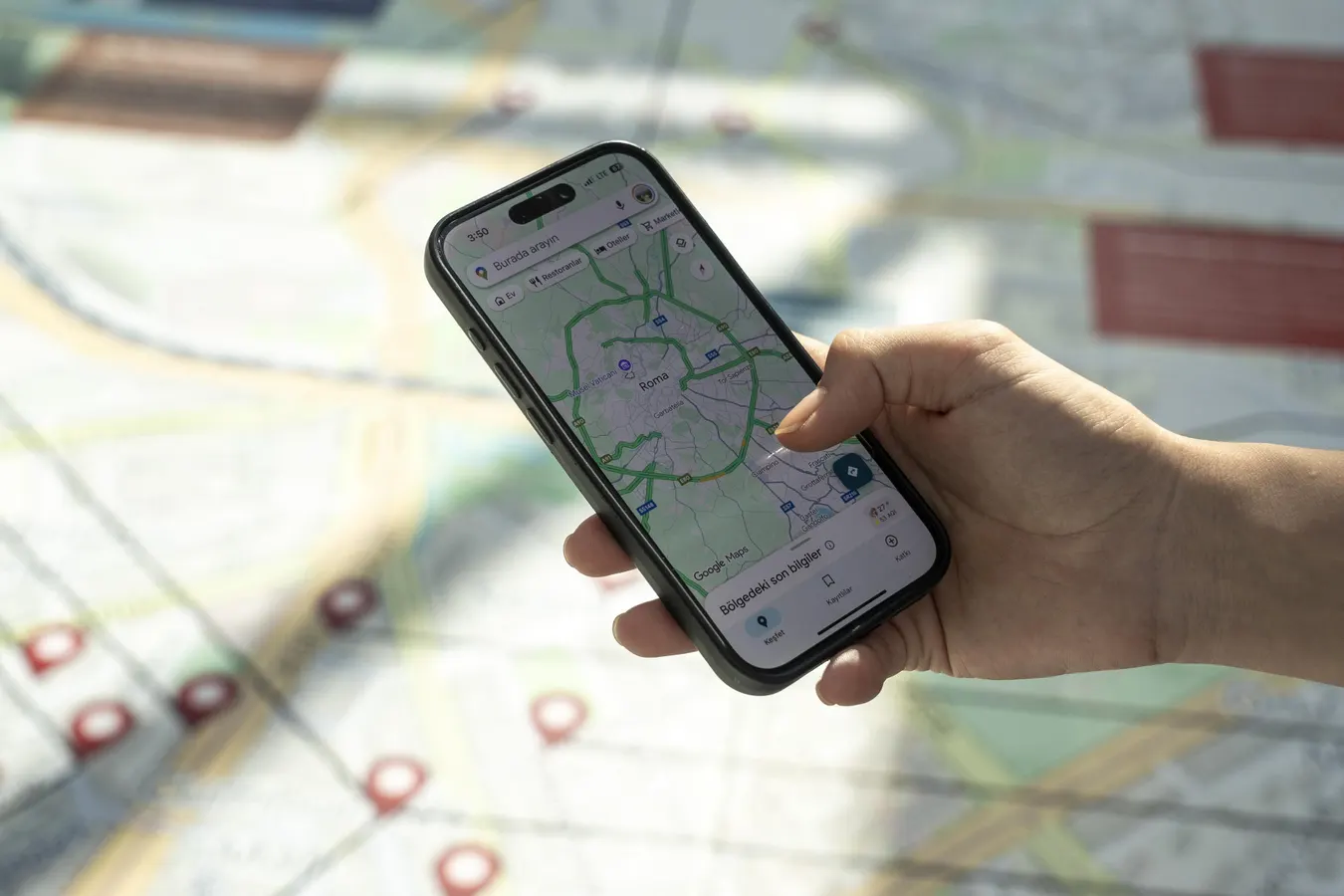

Google Maps Could Soon Let You Restyle Street View With AI
Anadolu via Getty Images
Key Takeaways
- Leaked code shows Google Maps is testing a new tool that lets users restyle Street View images with AI.
- Embedding Nano Banana features into a popular navigation tool shows that no app is off-limits for AI upgrades.
- Rolling out the features to 2 billion Google Maps users creates a massive new audience for Nano Banana’s generative AI.
Google is experimenting with its Nano Banana AI image editing tool inside Google Maps.
According to a recent Android Authority report, code in the latest app build, grouped under the heading “Streetview Banana,” suggests that users may soon be able to re-imagine Street View images in a range of preselected styles and share them with friends.
New text strings found in the code include:
- “Same streets, new styles”
- “Make an image of your favorite places in a fun, new style”
- “Try it now”
- “Pick a style”
- “Share”
- “Back to styling”
Google is also making some smaller tweaks to the Google Maps interface, adding rounded corners to the “Map type” selection sheet, and renaming “3D” to “Raised buildings.”
The Nano Banana model offers powerful image editing tools where users can change or generate pictures from text prompts and reference images. Google’s recent launch of Nano Banana 2 is perfectly timed to bring faster, more effective image generation features across its suite of apps.
Users more familiar with Nano Banana might expect to use Street View images as reference material for their own creations, such as adding people to a picture of the family home or visualizing a new extension. However, the new Google Maps feature appears to be restricted to re-styling existing Street View scenes for now.
Google Maps seems like an unlikely candidate for AI imagery, but if even just a tiny percentage of the app’s over 2 billion active users decide to use this new feature, it would make a significant impact. According to SQ Magazine, Google Street View usage grew 14% year-over-year, highlighting increased interest in the feature.
Why Would Google Do This?
SQ Magazine further reports that 72% of users use Google Maps for navigation, while the remaining 28% use it to discover businesses, events, and services. None of these use cases seem ripe for an injection of digitally-altered whimsy, so why would Google risk bloating such an important app with AI features users are unlikely to need?
Google is rapidly deploying AI across its ecosystem to see what sticks. In many cases, such as Google Photos or Gmail, some AI-powered assistance makes sense, but a tool like Google Maps seems like the last place you’d imagine users heading to create shareable AI imagery.
Or, Google may simply be trying to give users what they want.
When Nano Banana first launched, re-imagined Street View imagery became one of the most widely shared and impressive demonstrations of Google’s new AI image tech. So you could argue that by officially adding Nano Banana to Google Maps, the company is simply providing an official way to do the same, albeit long after any appetite for that particular viral trend has passed.
However, these results were notable, not primarily for their aesthetic appeal, but because they showcased Nano Banana’s ability to “understand” the input data and process it intelligently, rather than simply applying a stylistic upgrade to a basic Street View image.
The ability to pull map data directly into Gemini would be a more practical option, as this would enable genuinely useful visualizations of Street View data that go beyond mere “fun.” However, by embedding lightweight AI features into the apps people already use, Google is acclimating users to finding AI everywhere, not just in chatbot apps.
The new features aren’t live in the app yet, so we’ll have to wait and see just how effective the new tools turn out to be. Whether they remain a novelty or become the first step toward deeper AI-powered map visualization, Google’s experiment shows that no app is safe from AI integration.
Follow @paul_monckton on Instagram.














Leave a comment