
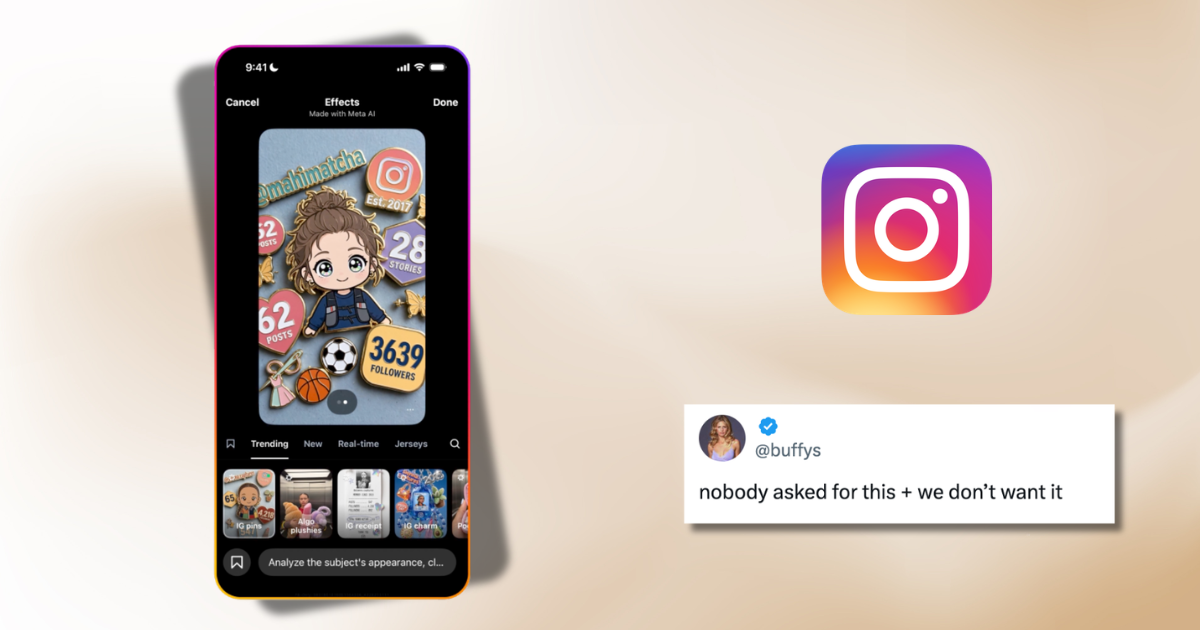
If you’ve just found out Meta AI can use public Instagram photos to generate AI images, you’re probably creeped out, but thankfully, you can easily turn it off and here’s how to.
Earlier this week, Meta launched Muse Image, a new AI image generator that’s available in the Meta AI app, WhatsApp and Instagram stories. Basically, the tool lets someone @mention a public Instagram account while creating an AI image. Meta AI can then use that account’s public photos to build a visual that’s ready to post.
If your account is private, though, you don’t actually need to worry. Meta says the feature only works with public photos, so private accounts aren’t included.
But there were several privacy concerns. Public Citizen’s director of federal AI governance and technology policy, J.B. Branch, said, “Meta has once again chosen the creepiest possible path. People should not wake up to discover their face has become raw material for someone else’s AI experiment.”
Following concerns about the feature, Meta shared a statement saying, “We built this feature with strong controls and safety guardrails from day one. Private accounts that are under 18 are automatically excluded and adults with public accounts can opt out with easy-to-use controls. We’ll take action against any content that violates our rules.”
So, if your profile is public and you’d rather your photos weren’t used this way, here’s how to switch it off.
Here’s how to turn off Muse Image on Instagram
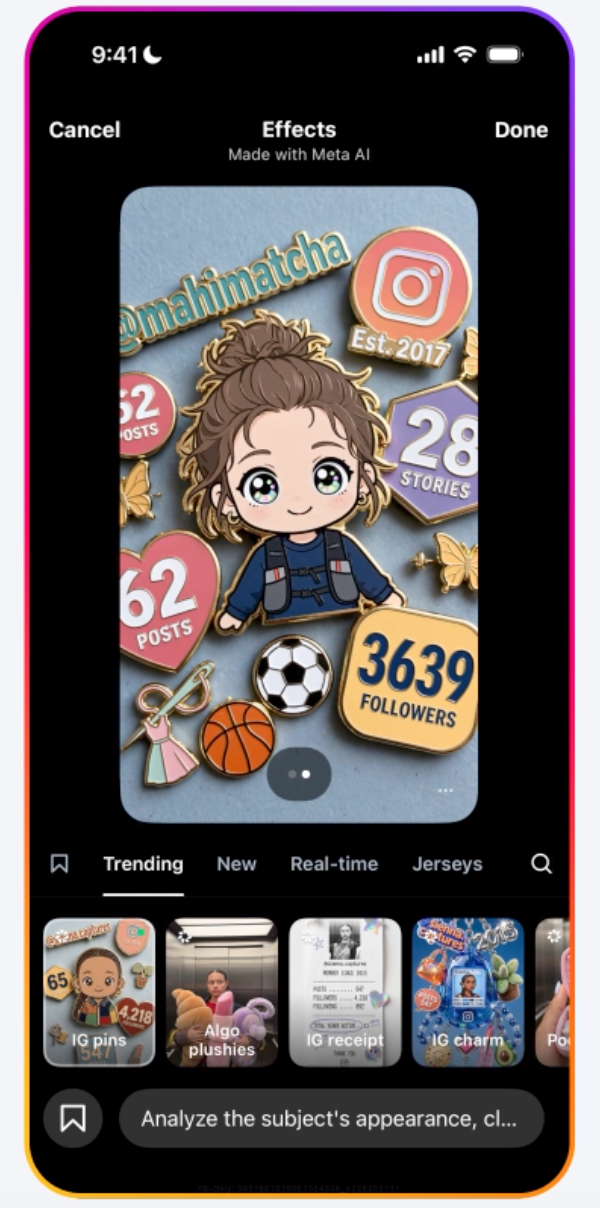
via Meta
It’s actually really easy:
- Open Instagram.
- Head to your Profile.
- Tap the three-line menu in the top-right corner.
- Go to Sharing and Reuse.
- Scroll down to “Allow people to reuse your content on Instagram and with AI features at Meta.”
- Turn the setting off.
That’s literally it.
So, if your Instagram account is public and the whole thing feels a bit unsettling, it only takes a few taps to opt out and stop your public photos from being used with Muse Image.
Stay safe!
For more like this – like The Tab on Facebook.











Leave a comment