
WHATSAPP has introduced a new AI feature called Muse as an extra tool for busy users.
Tech giant Meta has launched the personal AI assistant within the messaging app in the UK.


However, the new feature might not be for everyone – you may decide it’s not for you, or that you simply prefer the classic format.
Here is everything you need to know about Muse – and if you can remove the new feature from WhatsApp.
What is Muse on WhatsApp?
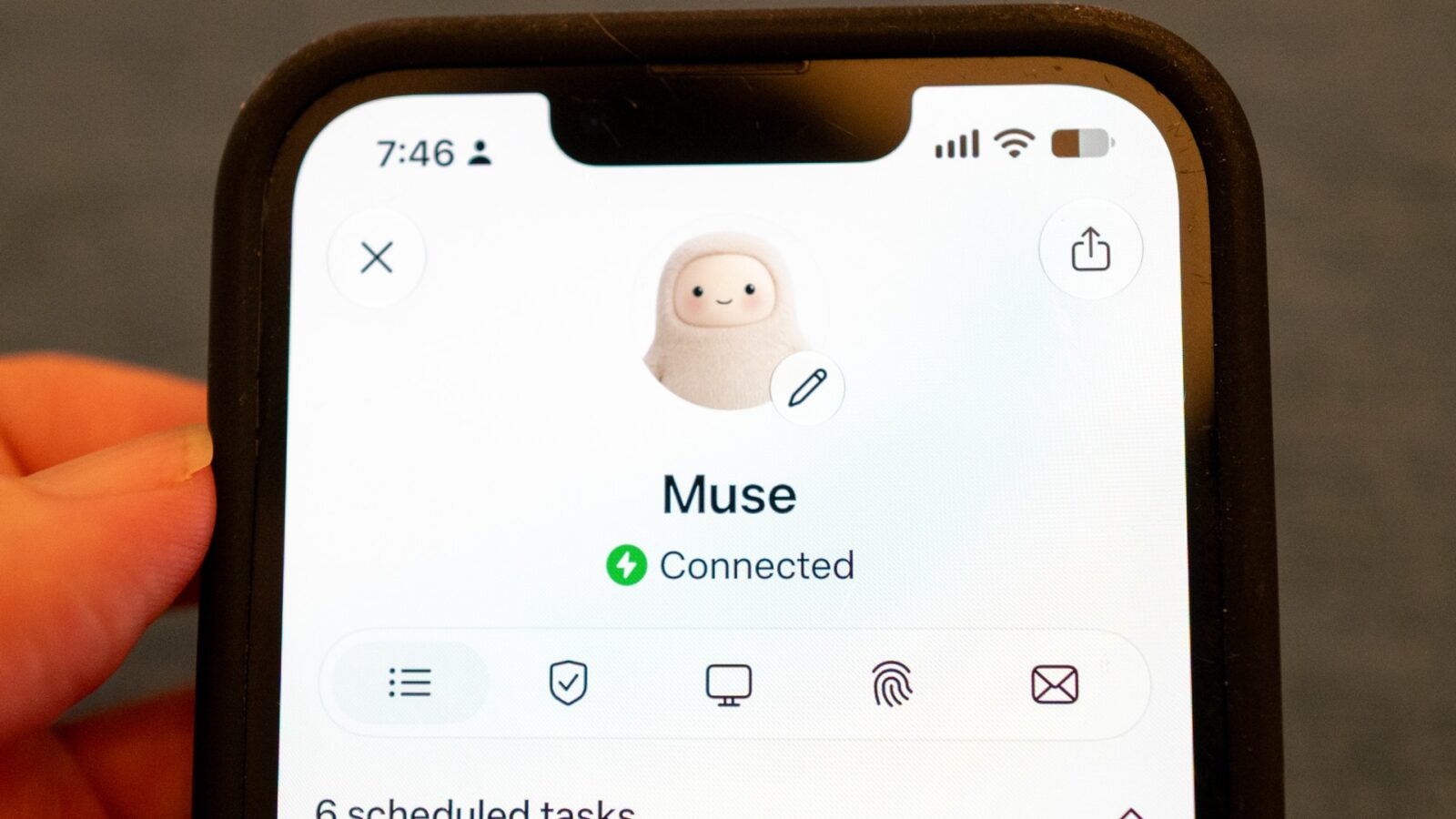
Muse is Meta’s new personal AI agent.
Unlike the standard Meta AI chatbot that simply answers basic questions, Muse is designed to act like a digital PA that works in the background.


Once set up, it can link to your other accounts, like your email, calendar, and Instagram, and handle tasks including scheduling, trip bookings, shopping lists, and daily reminders.
Right now, Meta is rolling it out as a test in limited countries, meaning it has suddenly popped up on some users’ Chats tabs via a prompt or shortcut icon.
You might have also noticed the character, or mascot, for Meta’s Muse AI agent, who is called Jolly.
Jolly is even customisable, and can be dressed up in different seasonal outfits, or you can generate a completely new character from a text prompt or photo which can all be done in the Muse app.
Can I uninstall or disconnect Muse?
Because Muse is built directly into WhatsApp rather than being a separate plugin, there isn’t a traditional “uninstall” button inside WhatsApp.
But if you’ve already activated it and want it gone, you can sever the connection and wipe the chat in seconds:
- Open WhatsApp and head into your chat with your Muse agent.
- Tap the agent’s profile picture at the very top of the screen.
- Select “Disconnect from [agent name]” and tap Disconnect to confirm. Or you can simply type “Disconnect my WhatsApp account” directly into the Muse chat and hit send.
- Delete the thread: Head back to your main Chats tab, press and hold (or swipe left on iPhone) the Muse conversation, tap the bin icon, and select Delete chat.
There is also a separate standalone Muse app which can be downloaded from the Apple App Store or Google Play Store.
So if you have that installed but no longer want it, you can delete it from your phone’s home screen just like any other app.
If you remove or disconnect Muse from WhatsApp, it won’t automatically delete your account on the standalone Muse app.
You’ll still be able to access it there unless you switch it off in your Muse settings too.
What other apps use Muse?
WhatsApp is just one place where you can chat with Meta’s new AI helper.
Muse also links up with several popular everyday apps once you grant it permission, including Instagram.
There it can help manage tasks and turn saved posts or recipe reels into shopping lists.
It can also work behind the scenes on Email and Calendar apps (like Gmail and Google Calendar) to organize your schedule, keep track of bookings, and manage your inbox.
The app itself has also rolled out on Apple Watch and Android Wear OS smartwatches so you can talk to Muse from your wrist, and built it to work alongside Ray-Ban Meta smart glasses.















Leave a comment