
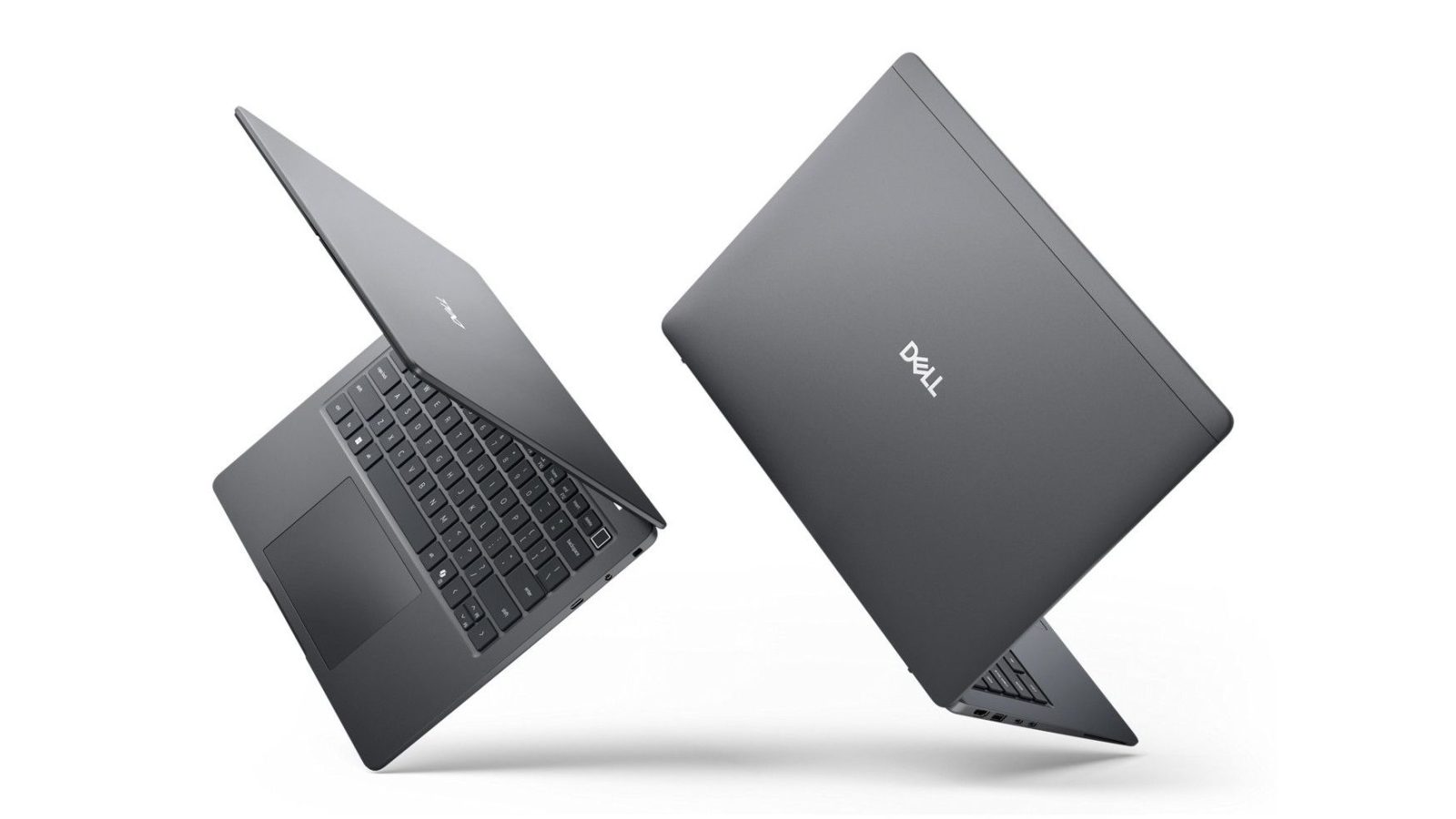
AI is no longer an emerging technology – it already supports a wide range of everyday business tasks. The new Dell Pro 5 and Dell Pro 7 professional laptop ranges include numerous models with integrated AI acceleration hardware, enabling workers to seamlessly build AI into their existing workflows.
Employees can take advantage of the latest advances in productivity without requiring businesses to invest in expensive cloud contracts or manage on-premises servers.
TL;DR
- On-device AI enables fast, secure operations that run locally and fit seamlessly into established workflows
- AI-capable Dell Pro laptops support AI features in popular software such as Microsoft 365, Teams, and Copilot+
- The Dell Pro 5 and Pro 7 series are designed to support a wide range of AI-enhanced roles and workloads
- Choose the Dell Pro 5 as the everyday workhorse and the Dell Pro 7 for productivity on the move

AI is now part of everyday business workflows, supporting jobs such as editing documents, planning meetings and balancing spreadsheets. It’s not a single specialist function, but a layer of intelligence offering continuous assistance across tasks, helping with productivity and decision-making.
However, Cloud AI platforms can be pricey and aren’t always a great fit when you need a secure, private environment to work in. For everyday business tasks, on-device AI is a better fit, integrating organically into existing working patterns.
Since there’s no need to exchange data back and forth with a remote data center, local AI can also be faster and more secure, and workers aren’t reliant on an internet connection to access AI services. For these reasons, on-device AI capabilities are becoming a baseline expectation when choosing new laptops for almost any role.

How Dell Pro 5 and Dell Pro 7 bring AI into everyday business workflows
AI-capable Dell Pro 5 and Dell Pro 7 laptops enable AI software to run directly on the device, and inside familiar applications. Users can, for example, take advantage of on-device Copilot+ features like Click to Do that enable them to take quick action on what’s on their screen, like pulling together information or completing tasks across different apps and sources in just a few clicks. Because these capabilities are available across AI-enabled models, teams can share and collaborate on AI-assisted processes with a consistent experience. The secret sauce here is the inclusion of an NPU (Neural Processing Unit). The NPU lightens the load on the CPU and GPU, taking on AI-intensive tasks, like video calls on Teams.
For online meetings, local AI also powers on-device Windows Studio effects such as background blur, eye-contact correction and noise reduction. Dell Pro laptops combine these capabilities with up to 8MP integrated cameras and to make a clear, professional impression.
Alongside on-device AI, Dell Pro 5 and Dell Pro 7 laptops offer powerful hardware configurations and long battery life, providing sustained performance when users are working on heavyweight tasks or intensive multitasking.

How do Dell Pro 5 and Dell Pro 7 support different types of AI workloads?
The Dell Pro 5 and Dell Pro 7 laptop ranges support different AI workloads with designs optimized for particular working styles. Dell Pro 7 prioritizes portability for professionals who move around frequently throughout the day, such as attending offsite meetings or traveling to clients. Built-in AI features help these workers use their time more efficiently, quickly access the information they need, and make informed decisions.
The Dell Pro 5 range includes higher-performance specifications and replaceable RAM, making these models suitable for demanding AI workflows that might involve large datasets or content creation. Optional Intel Arc graphics help support tasks such as AI-assisted image processing in Adobe Photoshop, or advanced video editing in DaVinci Resolve.
Which Dell Pro laptop should you choose?
|
If your work mainly involves… |
Consider… |
Why |
|
Regular desktop tasks |
Dell Pro 5 or 7 |
Wide range of models supporting AI-assisted productivity tools |
|
Data-heavy workloads, intensive multitasking |
Dell Pro 5 |
High-performance configurations with fast memory options |
|
Mobile productivity |
Dell Pro 7 |
Thin and light designs offering fast, responsive AI in everyday apps |
|
Frequent meetings and collaborative working |
Dell Pro 7 |
Both ranges support AI-assisted communications. Dell Pro 7 is optimized for meeting-heavy roles |
| Row 5 – Cell 0 | Row 5 – Cell 1 | Row 5 – Cell 2 |
All Dell Pro laptops share a standard hardware and management platform, so businesses can introduce AI-capable devices and tools without increasing management complexity. Instead of being a complicated project with many moving parts, adopting AI instead becomes a simple incremental upgrade: there’s less need to set up users and manage accounts on third-party services, so IT departments have more flexibility to trial AI workflows at a pace and scale that suits them.
All Dell Pro laptops also include built-in security, such as SafeBIOS for deep, below-the-OS visibility and Dell’s SafeID with ControlVault3+, which securely stores credentials in hardware, helping protect local data sets from tampering and unauthorized access.

Choosing the right platform for long-term AI adoption
As AI becomes more widespread and more capable, businesses need to ensure that workers can take advantage of its productivity benefits. Dell Pro 5 and Dell Pro 7 laptops with dedicated AI hardware make it possible to deploy AI software locally and consistently across teams, and provide a practical path to widespread adoption without disrupting existing workflows.
If you think Dell laptops are the right call for your business, find out more on the Dell website.
US readers can visit here
CA readers can visit here
And there’s one more thing to know before you buy: Dell offers a price match guarantee. To learn more about the Dell price match and price guarantee, including the terms, exclusions and restrictions, US readers can click here, and CA readers here.














Leave a comment